



About the App
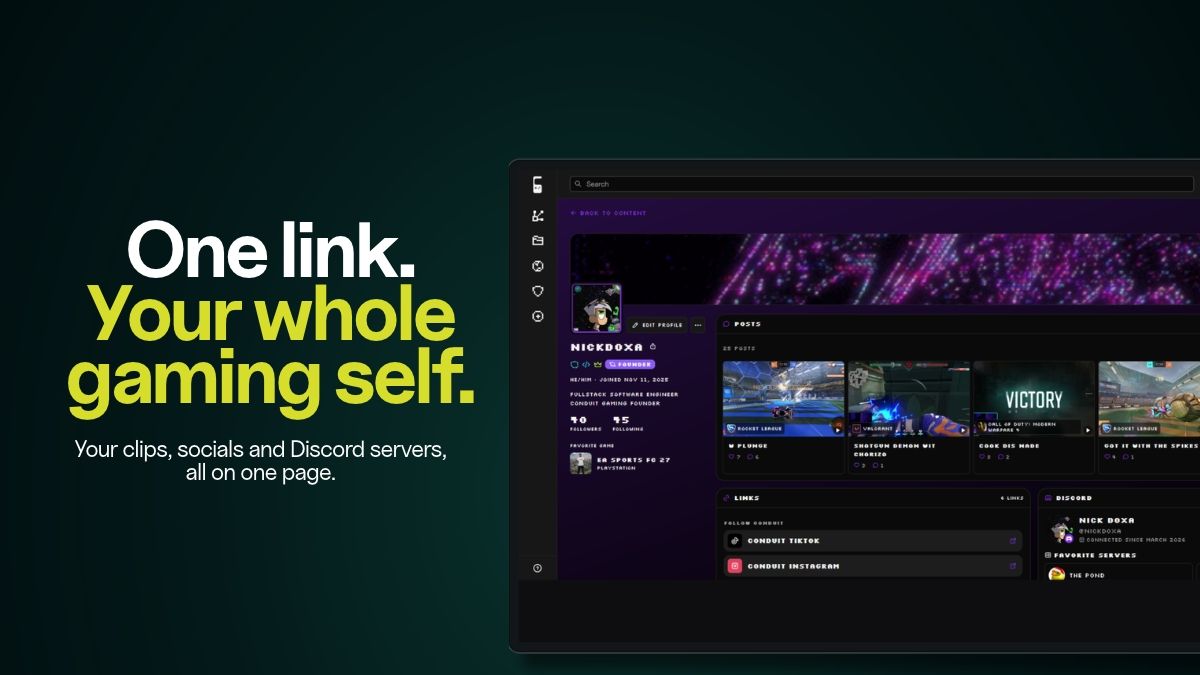
You play. Conduit does the rest. Conduit is a free game clipping app for Windows that automatically captures your best plays in supported games. Take gameplay screenshots, turn stream highlights into vertical clips for TikTok, YouTube Shorts, and Instagram Reels, and share your favorite moments from one gaming profile.

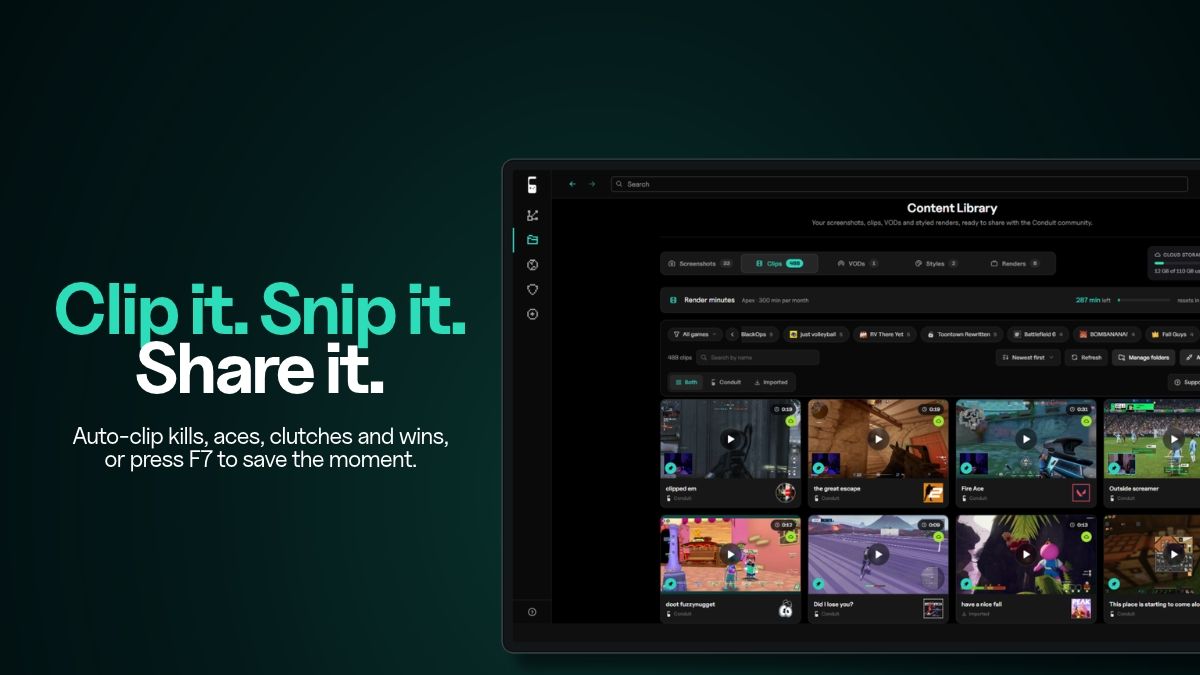
Clip it.
- Automatically capture kills, aces, clutches, and wins in supported games.
- Press your hotkey to save the last 30 seconds to 5 minutes of gameplay.
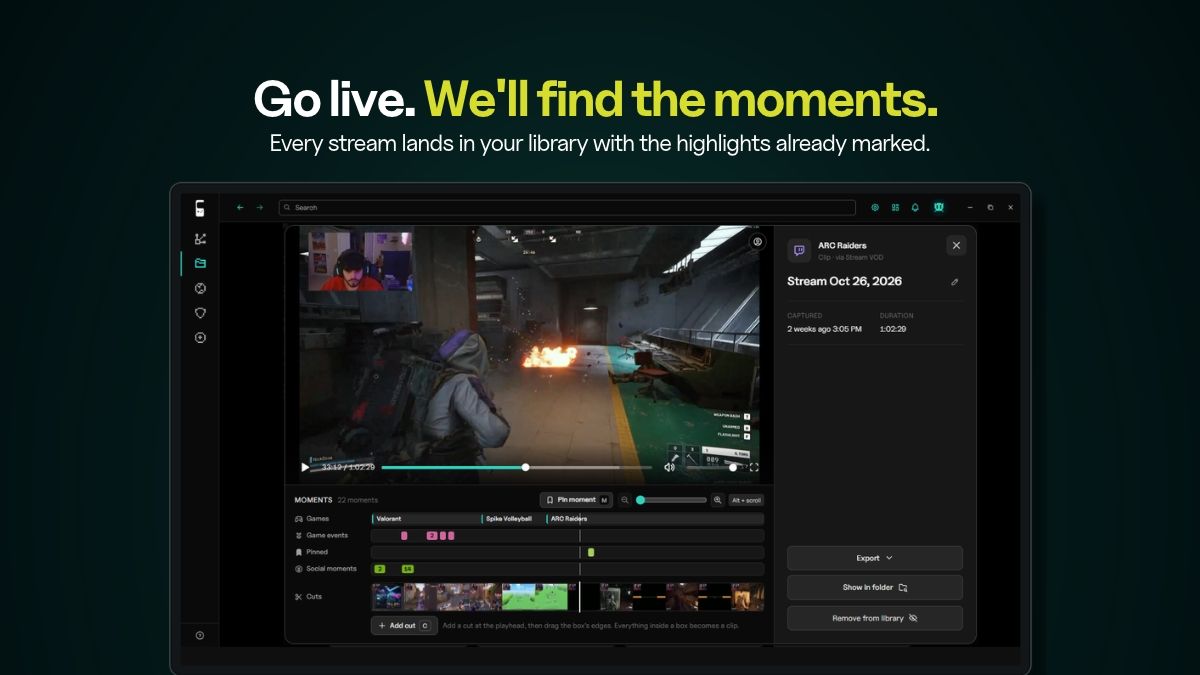
- Find your full stream recording in your library with highlights already marked on the timeline.
Snip it.
- Take in-game screenshots of the moments you want to keep.
- Keep screenshots, gameplay clips, and stream recordings together in one library with private cloud storage.
Share it.
- Create a gaming profile with your own link at cndt.gg/your-name.
- Connect Twitch, YouTube, Discord, Steam, Xbox, Roblox, and more.
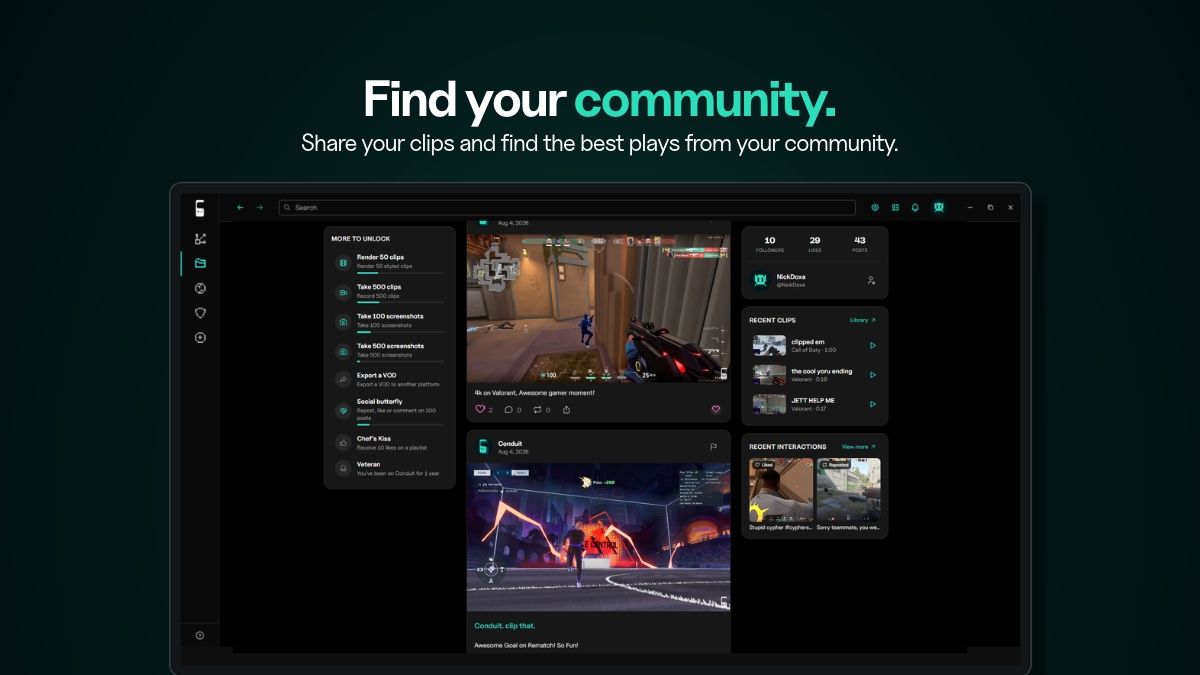
- Post clips to the Conduit feed, like and comment on posts, and follow other players.
- Share game playlists and review the games you’ve played.
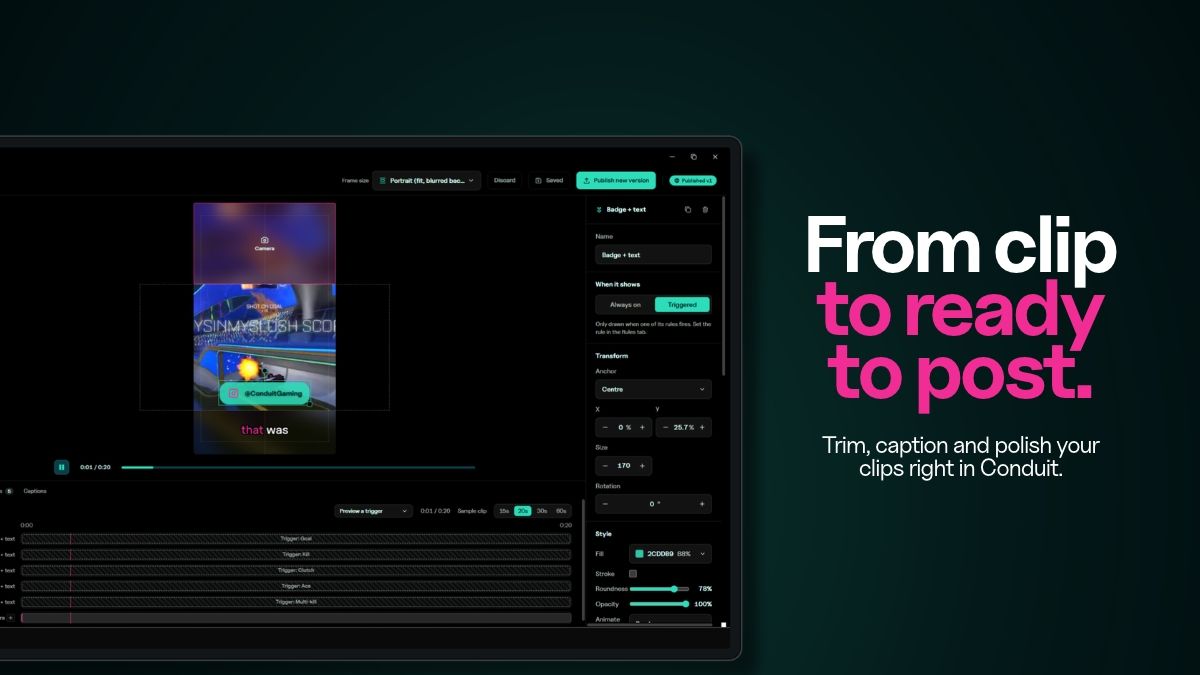
Edit gameplay clips for TikTok, YouTube Shorts, and Instagram Reels
- Trim gameplay clips and crop them to vertical video.
- Add captions that Conduit transcribes on your PC.
- Customize clips with badges, overlays, and sound. Save your look and reuse it across clips.
- Render clips in the cloud while you keep playing.
Bring your own AI (optional)
Connect the Conduit MCP server to Claude, Cursor, or another MCP client to find your best moments and render clips.
Download Conduit for free here on Overwolf or at conduitclips.tv. An optional subscription unlocks more features. Follow Conduit on social media for product updates, clipping tips, and highlights from the community. Have a question, bug report, or idea? Join us on Discord.
App Info
 Electron (140.3MB)
- 3.3.2
- Nov 19th, 2026
 In-App Ads
 Premium