



About the App
Teamgap.gg — Smarter tools for every stage of a League match
Teamgap.gg brings match research, draft preparation, live analysis, in-game alerts, and replay tools together in one Overwolf companion.
Use the desktop tools even before the League client is open. When League is running and you are signed in, Teamgap.gg follows the match from queue through champion select, in-game, and post-game.
Before the Game
- Riot ID Search — Look up players and review recent matches, champions, KDA, results, and positions.
- Match Analysis — Explore performance summaries, champion trends, role data, teammates, and detailed match records.
- Champion Tier Lists — Compare champions by rank and position, with sorting for tier, win rate, pick rate, and ban rate.
- Draft Simulator — Prepare bans and picks with role-aware recommendations and team-composition insights.
Champion Select
- Follow ally and enemy picks and bans as they update.
- Review recommended bans and picks without duplicate or already-selected champions.
- See position and composition information before loading into the match.
Live Game Analysis
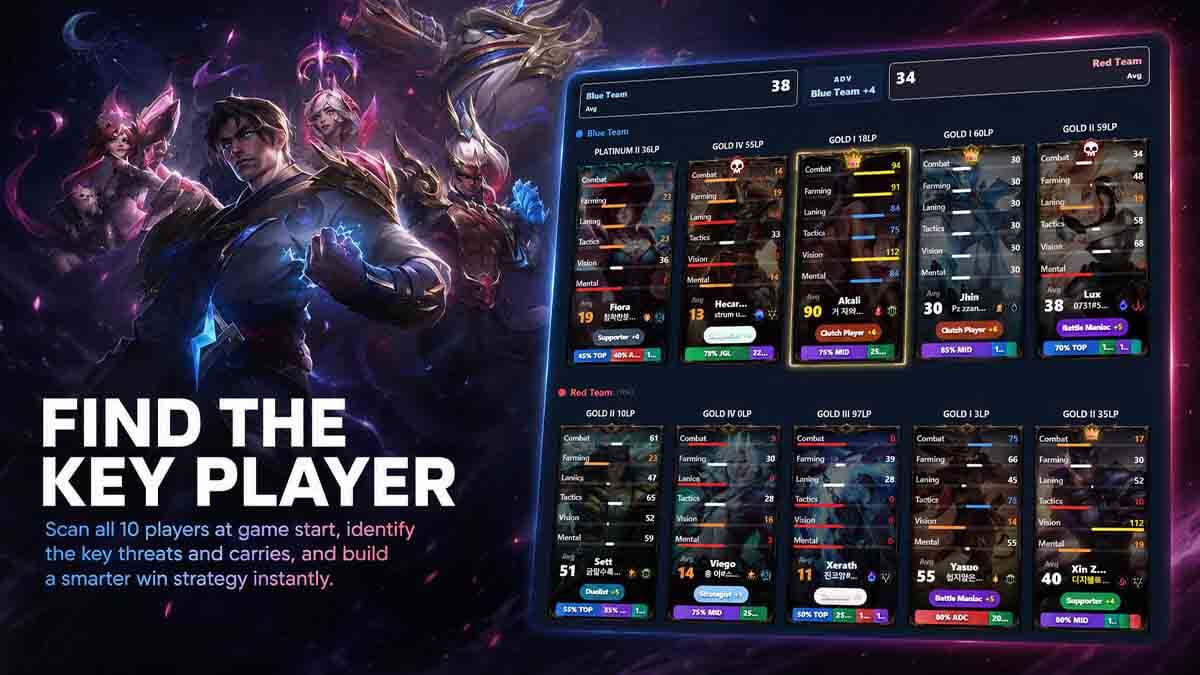
- Review all 10 players with champion, team, position, recent performance, rank, and play-style information.
- Compare team strengths across combat, laning, farming, vision, tactics, and other key categories.
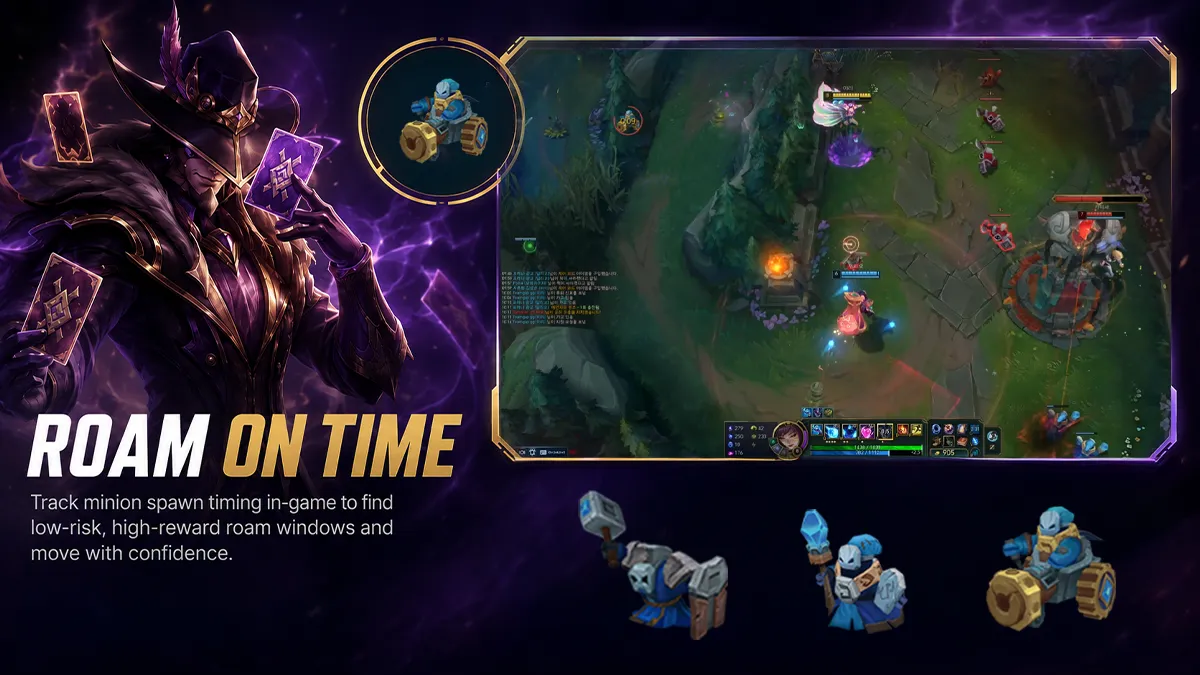
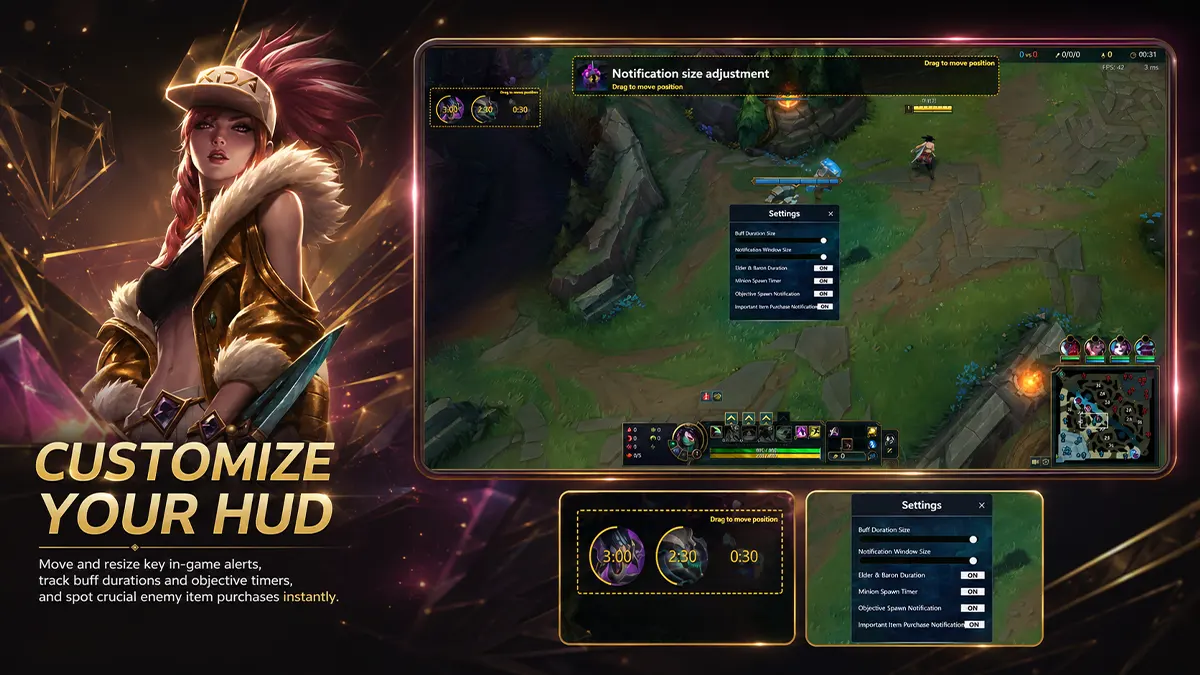
- Receive configurable alerts for major objectives, jungle camps, summoner spells, and important item events.
- Move through queue, champion select, in-game, and post-game views automatically as the match progresses.
Post-Game and Replay Tools
- Open a post-game report after the match to review the result and key performance details.
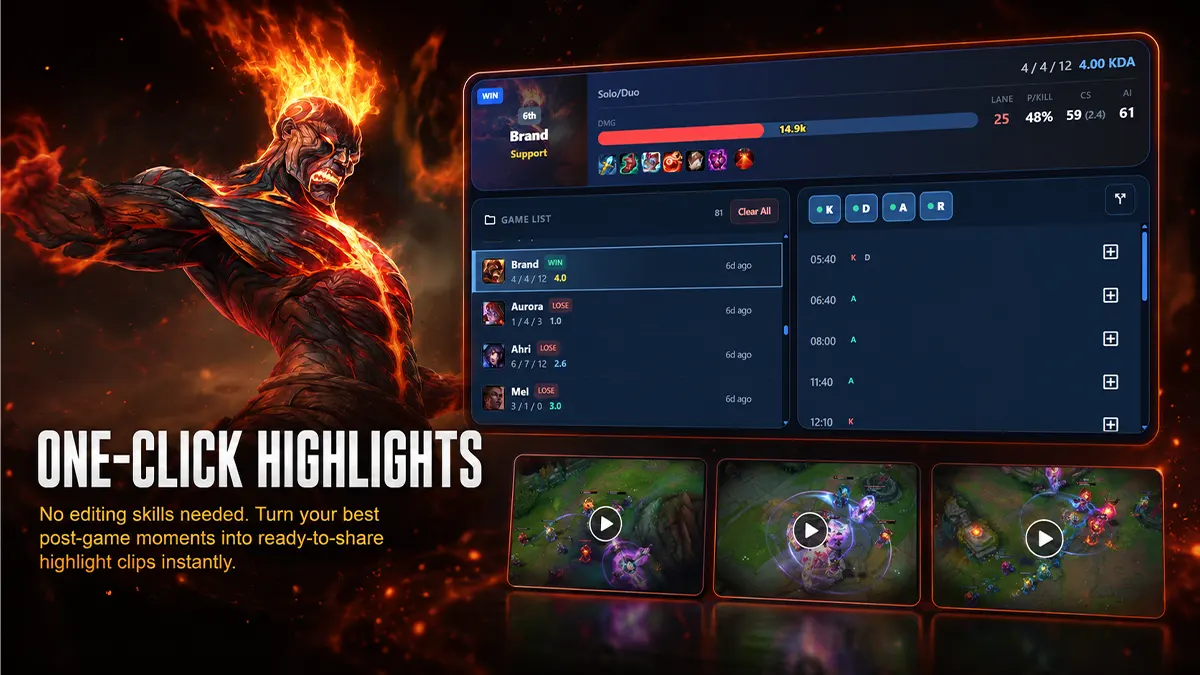
- Browse saved replay and highlight clips by match.
- Filter clips by kills, deaths, assists, or replay recordings.
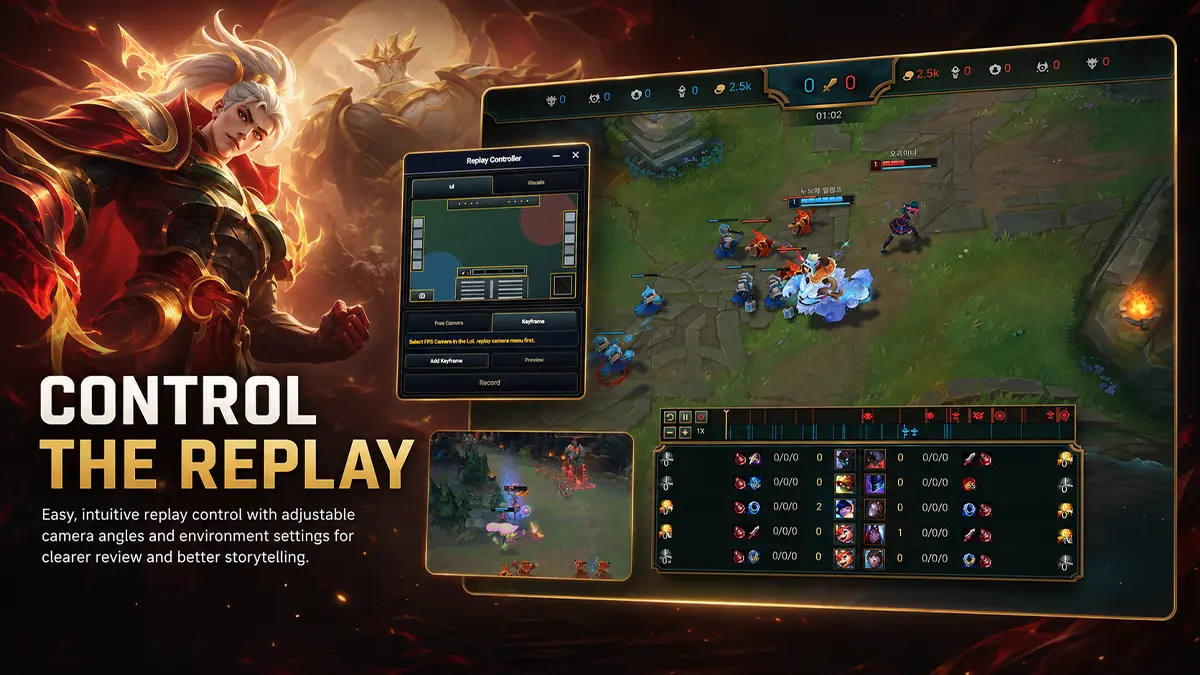
- Use replay recording and camera tools—including keyframes where supported by the League Replay API—to create custom moments.
Customize Your Experience
- Choose your language and theme.
- Adjust page scale and live-game UI visibility.
- Toggle overlays, objective timers, and notifications while playing.
- Use Teamgap.gg as a desktop companion and an in-game Overwolf overlay.
Requirements and Notes
- Windows 10/11 (64-bit)
- League of Legends official client
- Current Overwolf version
- Internet connection for match data and live analysis
- Some live features require the League client to be running and signed in.
- Replay tools require a supported League replay and Replay API access.
Support
- Website: https://www.teamgap.gg
- YouTube: https://www.youtube.com/@teamgapgg
- Contact: contact@hafen.co.kr
App Info
 Overwolf Client (6.7MB)
- 2.0.5
- Jul 27th, 2026
 In-App Ads